
Menu control with sliding selector
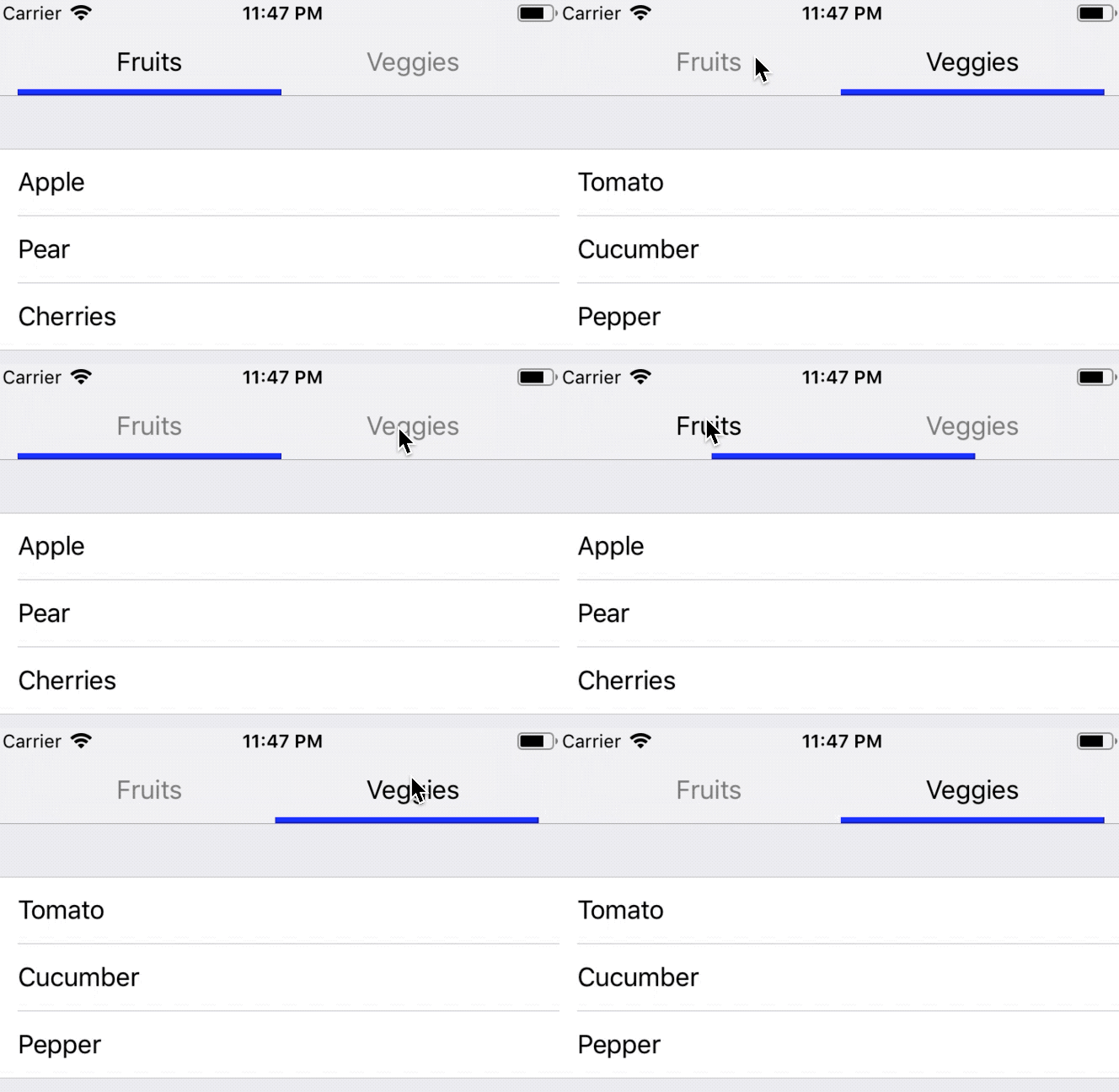
Just drag and drop files to any existing project (Objective C or Swift) or use cocoapods to integrate it as dependency library.
- Objective C:
#pragma mark - Menu bar initalisation

// Create menu object and give it a frame
MenuBar *menu = [[MenuBar alloc] initWithFrame:CGRectMake(0, 0, self.view.bounds.size.width - 2*15, self.navigationController.navigationBar.intrinsicContentSize.height)];
// Put as many items as you want to have in you menu bar
menu.items = @[@"Item 1", @"Item 2", @"Item 3"];
// Don't forget to set the delegate
menu.delegate = self;
// Add the menu to the navigation bar
self.navigationItem.titleView = menu;

#pragma mark - Menu bar delegate

- (void)menuBar:(MenuBar * _Nonnull)menuBar didSelect:(NSInteger)index {
    NSLog(@"Selected menu item: %ld", (long)index);
}- Swift:
// MARK: - Menu bar initialisation

// Create menu object and give it a frame
let menu = MenuBar(frame: CGRect(x: 0, y: 0, width: self.view.bounds.size.width - 2*15, height: navigationController?.navigationBar.intrinsicContentSize.height ?? 0))
// Put as many items as you want to have in you menu bar
menu.items = ["Item 1", "Item 2", "Item 3"]
// Don't forget to set the delegate
menu.delegate = self
// Add the menu to the navigation bar
navigationItem.titleView = menu

// MARK: - Menu bar delegate

func menuBar(_ menuBar: MenuBar, didSelect index: Int) {
    print("Selected menu item: \(index)")
}- Swift: MenuBarExampleSwift
- Objective C: MenuBarExampleObjectiveC
- Xcode 10.3
- Swift 5