
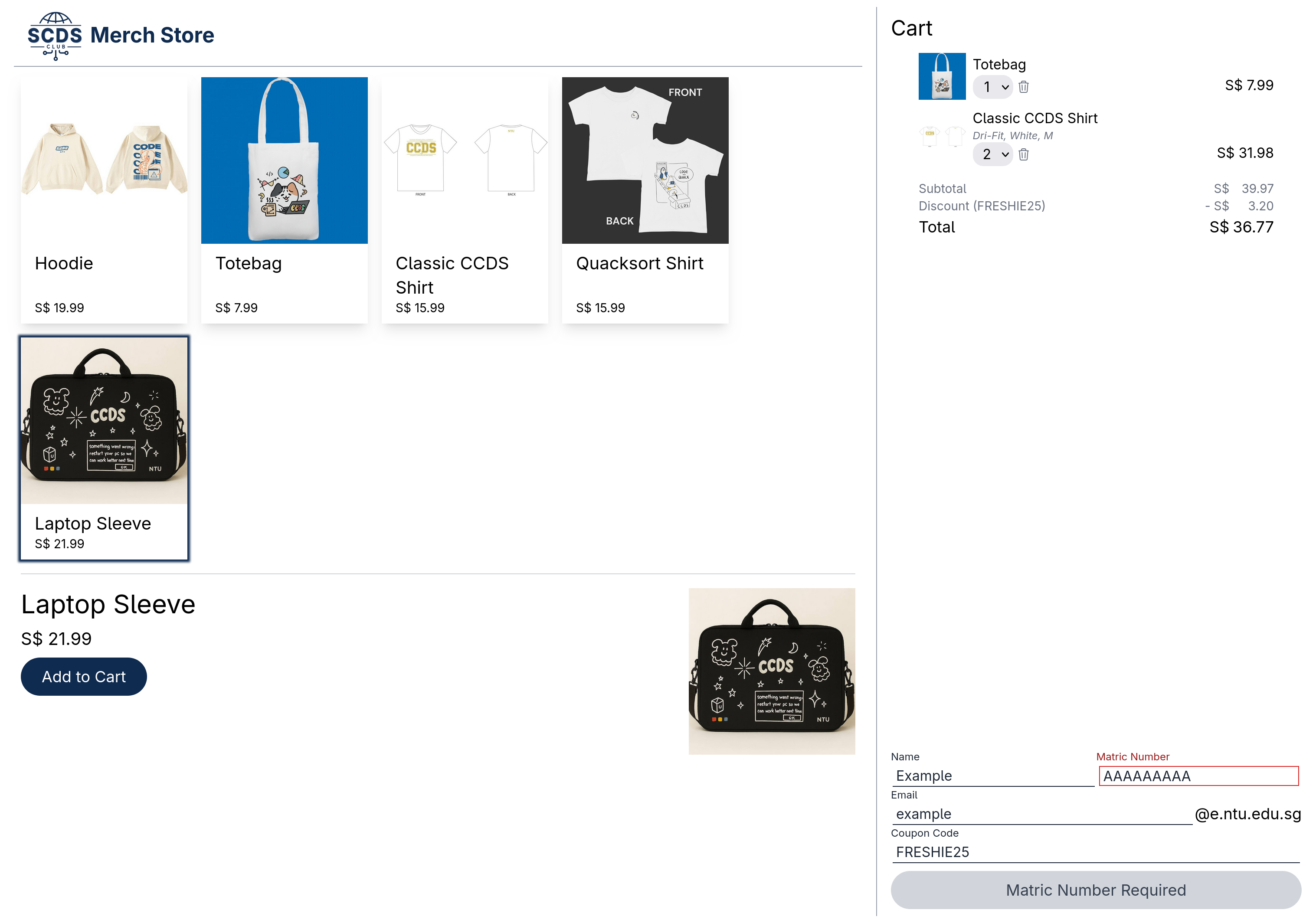
CCDS Quick Shop is a quick implementation of merchandise store for NTU Students' Computing and Data Science Club. As of writing this README, the live implementation can be found here.
- Customizable Merch and Coupons without Restarting
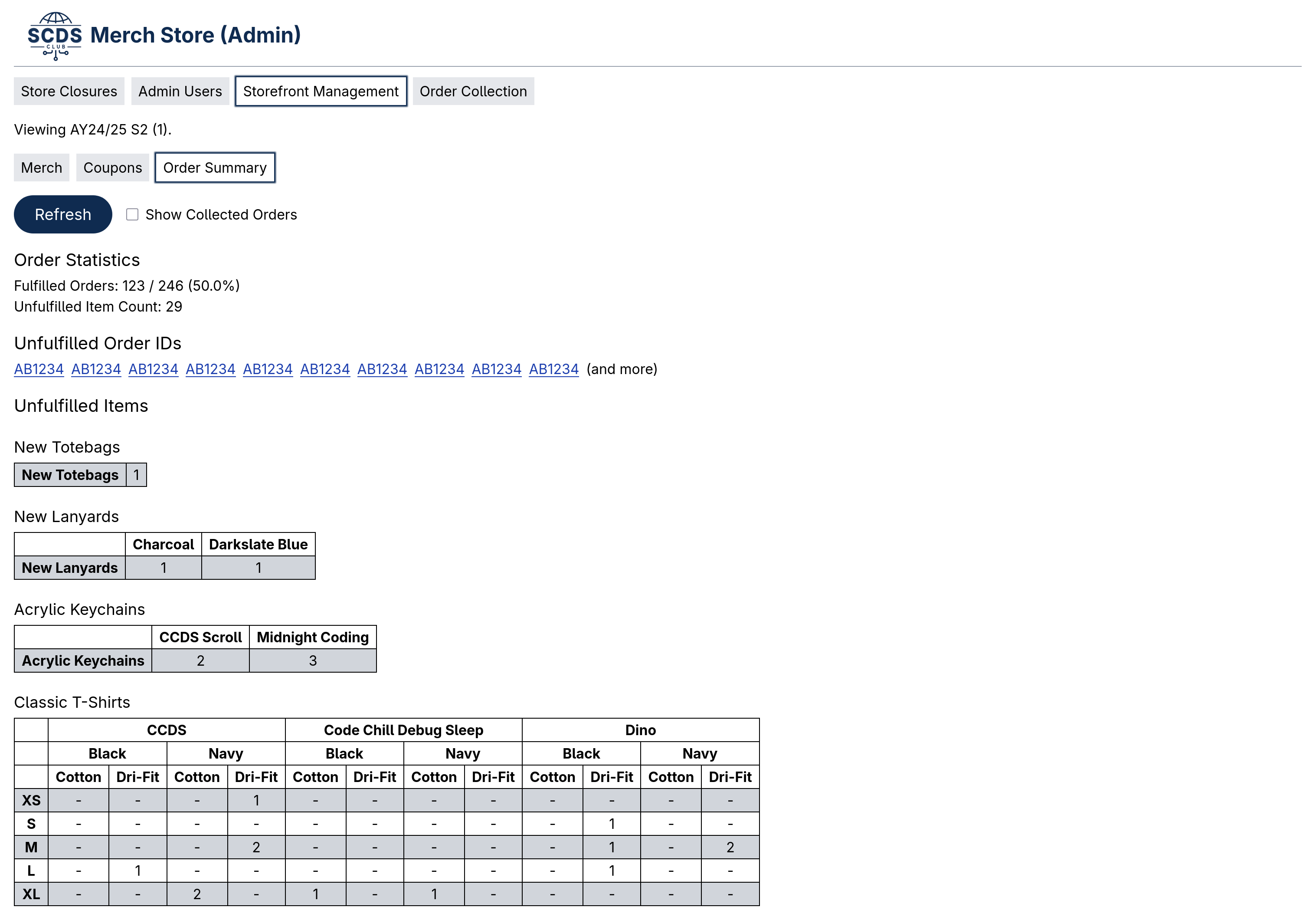
- Simple Order Item Count Analytics, Daily Collection Summary and Stock Count
- Automatic Store Opening and Closure (sale period scheduling)
- Multiple Sale Periods ("seasons" of sales that are logically separate)
- Integration with Stripe for Payment Confirmation
- Order Lookup for Buyers and a Mobile-friendly Collection Booth Flow for Admins
The UI follows the Atlassian Design System (see
design.md). Design tokens live in tailwind.config.ts and src/app.css,
and the reusable components (buttons, fields, lozenges, dialogs, section
messages, tabs, ...) are in src/lib/ui/. Pages are built from these
components only, so new screens stay consistent.
The admin console lives under /admin/* (one route per section, e.g.
/admin/collect, /admin/products, /admin/stock) with a global sale period
selector in the header.
To run this program, you need Go and pnpm.
The development mode can be run by using:
# Run both commands simultaneously.
$ pnpm dev

# In `backend/`:
$ ./dev.sh
A Dockerfile has also been provided that will create a Docker image that serves both the built frontend and backend.
When starting the Docker image, configuration can be done using the following environment variables:
FRONTEND_URL: URL where the frontend can be accessed, used as base pathGOOGLE_CLIENT_ID: Used for OAuth login of admin interfaceGOOGLE_CLIENT_SECRET: Used for OAuth login of admin interfaceSTRIPE_SECRET_KEY: Secret key used to create orders and update coupons on StripeSTRIPE_WEBHOOK_SECRET: Secret of the Stripe webhook.
Stripe webhook is assumed to be configured to send requests to
/api/v0/checkout/stripe.
The database is migrated automatically when the server starts, so back it up
before deploying a version with new migrations. In the Docker image the
database lives at /app/db.sqlite3.
# Recommended: stop the container so the copy is guaranteed to be consistent.
$ docker stop <container>
$ scripts/backup-db.sh --container <container>
$ docker start <container>   # or deploy the new image

# A database file on the host (uses sqlite3's online backup if installed).
$ scripts/backup-db.sh --file path/to/db.sqlite3
Backups are written to backups/ and checked with PRAGMA integrity_check
when sqlite3 is installed. To restore, stop the server and copy the backup
back to the database path (e.g. docker cp backups/db-<timestamp>.sqlite3 <container>:/app/db.sqlite3).