
Get the free, available and total disk space for the device, and the space used by the app itself.
The StorageSpace model contains values in bytes and human-readable versions.
free is the space available to apps, so it leaves out any space the system reserves for itself. used is everything else (total - free).
The lowOnSpaceThreshold triggers lowOnSpace to be set to true when the value is less than or equal to it (including when the value is equal).
The lowOnSpace flag shows when the device is low on space. The threshold is up to you.
StorageSpace freeSpace = await getStorageSpace(
  lowOnSpaceThreshold: 2 * 1024 * 1024 * 1024, // 2GB
  fractionDigits: 1, // How many digits to use for the human-readable values
);getAppStorageUsage returns the space used by the app itself:
AppStorageUsage usage = await getAppStorageUsage(
  fractionDigits: 1, // How many digits to use for the human-readable values
);
print('${usage.totalSize} (app ${usage.appSize}, data ${usage.dataSize})');appis the installed app (the APK on Android, the app bundle on iOS)datais everything the app has stored, including its cachecacheis the app's cachetotalisapp+data
On Android 8+ these match Settings > Apps > Storage. On iOS they add up the app bundle and the app's sandbox, which is close to Settings > General > iPhone Storage but not always identical. No permissions are needed on either platform.
The human-readable values use 1024-based units, so 1 GB is 1024³ bytes. iOS Settings, and Android 8+, use 1000-based units, so the same number of bytes shows up a bit smaller here (a 128 GB iPhone shows as about 119 GB). The raw values are always in bytes if you'd like to format them yourself.
| Requirement | |
|---|---|
| Flutter | 3.24+ (Dart 3.5+) |
| Android | API 21+ |
| iOS | 13+ |
On iOS the plugin supports both Swift Package Manager and CocoaPods. Swift Package Manager integration needs Flutter 3.44 or later. On older Flutter versions, keep Swift Package Manager turned off so the plugin is installed with CocoaPods.
The plugin ships an iOS privacy manifest that declares its use of the disk space APIs with reasons 85F4.1 (displaying disk space to the user) and E174.1 (checking whether there's enough space). Check that these fit how your app uses the information.
The example directory shows how to use StorageSpace package to render a "progress meter" that renders a warning when the device is low on space
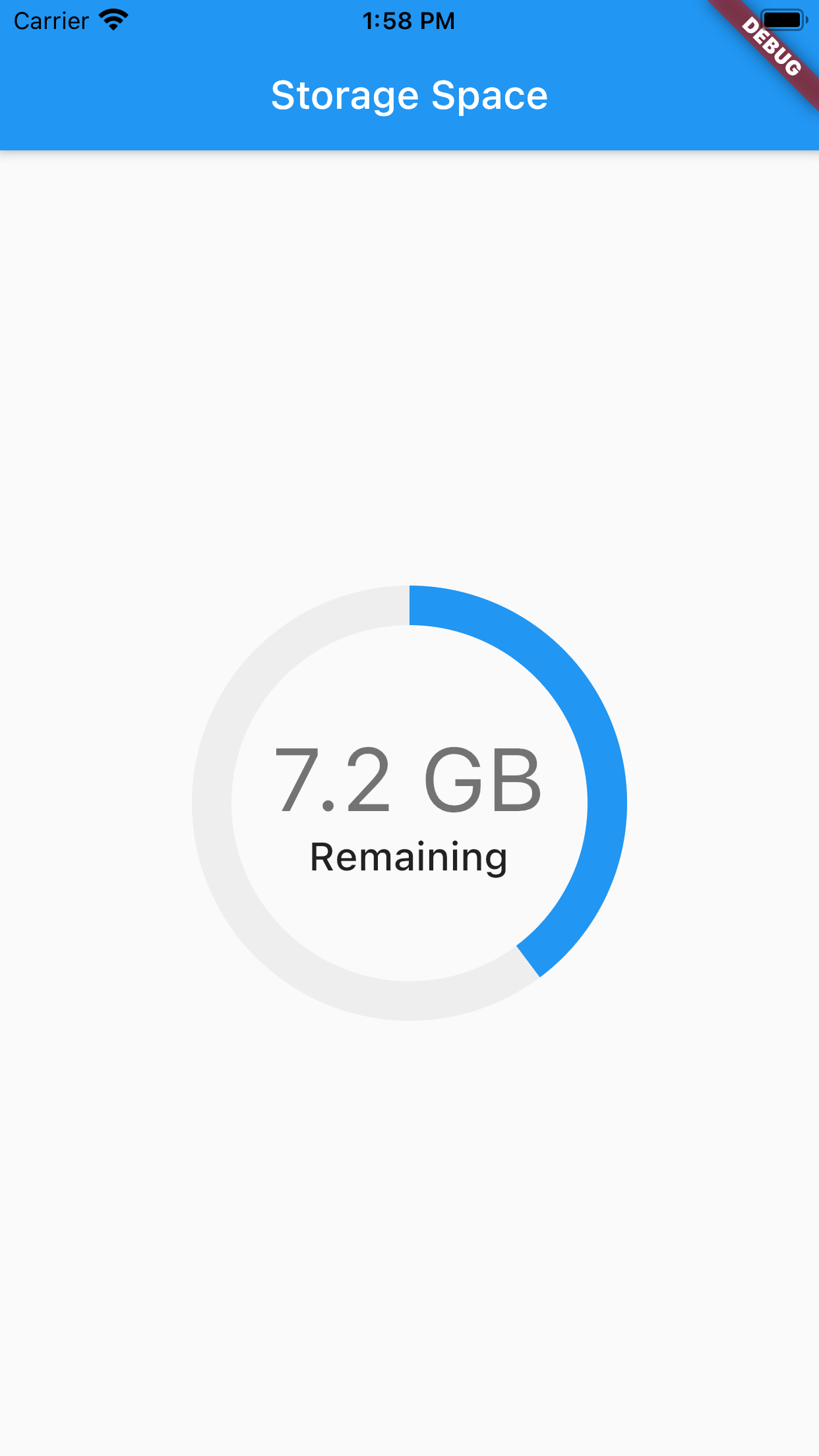
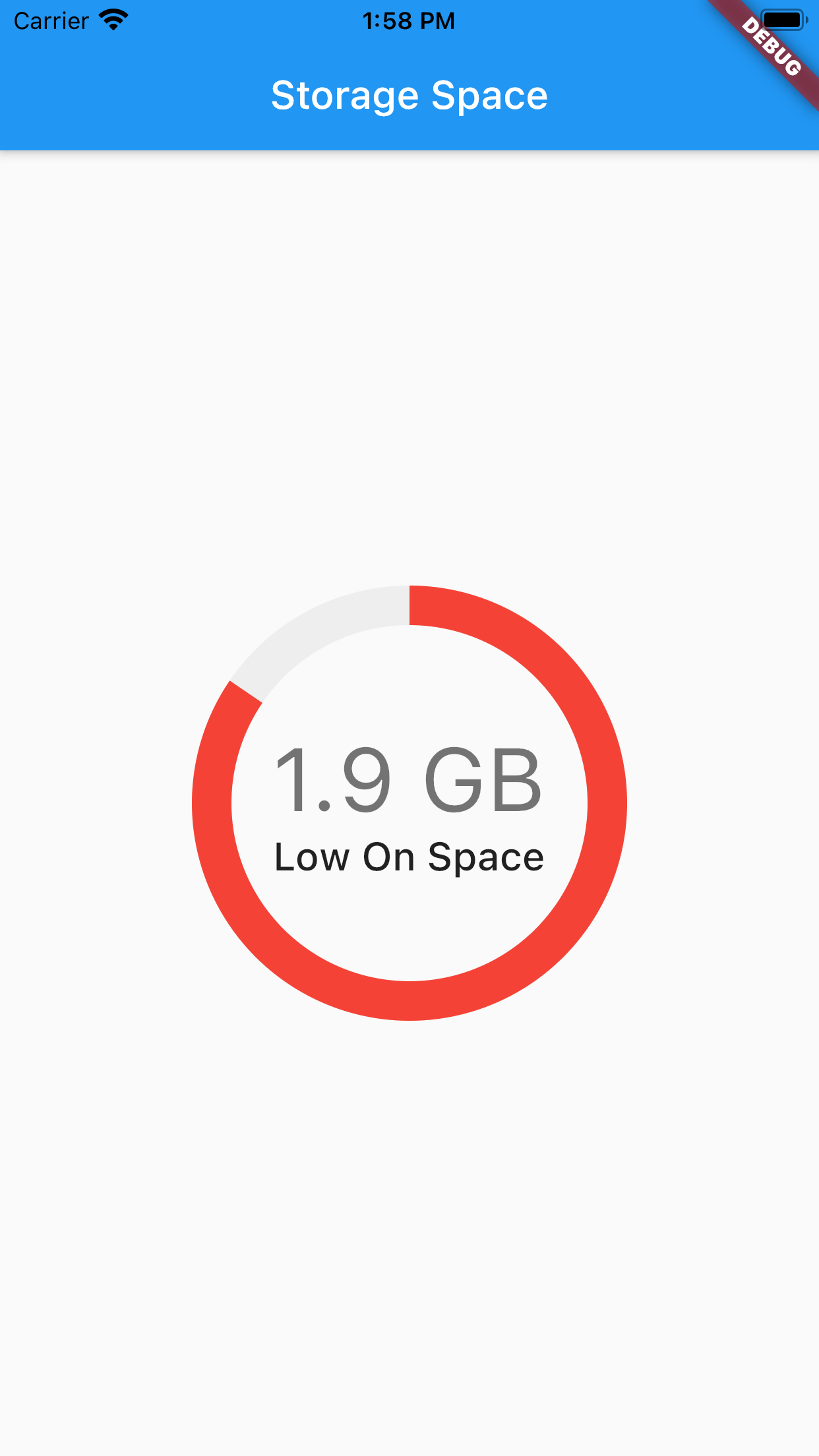
This package is a reworking of disk_space and storage_capacity.
The reworking adds null-safety, as well as some convenience features:
- A single method-call for all properties in a
StorageSpaceclass - All values in
bytesand human-readable, ie: 12.1 MB, 8 GB, 1.5 TB etc. - Usage as a percent
- A flag to show if the system is low-on-space. The threshold is user-defined
Take a peek at the StorageSpace class in the API reference for more details.