

Describe a form and AI builds it. Refine it by chat or drag and drop, co-edit it live with your team, and send every response into logic, automations, PDFs and analytics. Use the free managed cloud, or self-host it and own your data.


Try it free · Website · Templates · Self-hosting · Docs · Architecture
⭐ If Dculus Forms is useful to you, star the repo. It helps other teams find an open-source alternative to closed form builders.
- What is Dculus Forms?
- Features
- How it compares
- Form templates
- Quick start
- Tech stack
- Project structure
- Self-hosting and deployment
- FAQ
- Contributing
- License
Dculus Forms is a free, open-source (GPLv3) AI-powered form builder and survey tool. You type what you need ("a job application form with a CV upload") and it generates the form. You then edit it by chatting with the AI or by drag and drop, while teammates edit the same form in real time. It is a self-hostable alternative to Typeform, Jotform, Google Forms and Zoho Forms, built with React, GraphQL, PostgreSQL and Y.js.
- Cloud: sign up free at forms.dculus.com. Team collaboration is on every plan.
- Self-hosted: run the whole stack on a single small server and keep every response on your own infrastructure.
Status: Dculus Forms is in public beta. It's used in production and under active development.
- Generate a form from a prompt: describe it in plain language and get pages, fields and validation.
- Edit forms by chat: "make the phone number optional", "add a rating question after page 2".
- AI auto-tagging of responses so you can sort and filter feedback without reading every answer.
- Live co-editing (Google Docs-style) powered by Y.js and Hocuspocus.
- Organizations and per-form permissions (view / edit / own).
- Response edit history with per-field diffs.
- 13 field types: short text, long text, email, number, phone, date, dropdown, radio, checkbox, grid, file upload, rating (stars, numbers and NPS) and rich text.
- Conditional logic: show or hide questions and whole pages.
- Quizzes with automatic grading.
- 9 layouts and a theme editor, multi-page forms and custom endings.
- CAPTCHA and e-signature.
- Workflow automations with triggers, delays, conditions, run history and retries.
- Email notifications and webhooks.
- Google Sheets and Microsoft Sheets (Excel Online) plugins.
- PDF generated from each response with a visual template designer (pdfme), including Tamil font support.
- Excel and CSV export, advanced response filters.
- Analytics: views, submissions, completion time, device, location and per-field charts (including NPS).
- Embed as a link, inline, popup, drawer or full page.
- 60+ ready-made templates across HR, education, events, healthcare, feedback and more.
- UI in English and Tamil, billing in USD and INR.
| Dculus Forms | Typeform | Jotform | Zoho Forms | |
|---|---|---|---|---|
| Open source (GPLv3) | ✅ | ❌ | ❌ | ❌ |
| Self-host and own your data | ✅ | ❌ | ❌ | ❌ |
| Team collaboration on every plan | ✅ | 1–5 seats (6+ on Enterprise) | Single user below Enterprise | 1–100 users by tier |
| Free plan | ✅ | ✅ | ✅ | ✅ |
Seat limits checked against the vendors' pricing pages (Typeform, Jotform, Zoho Forms) in November 2026; plans change, so check them before deciding. Other vendors also offer AI and collaboration features, so compare on what matters to you. See dculus.com for current Dculus plans.
Start from a template and customize it with AI. Browse all of them in the form template gallery.
 Contact form |
 Job application form |
 Event registration form |
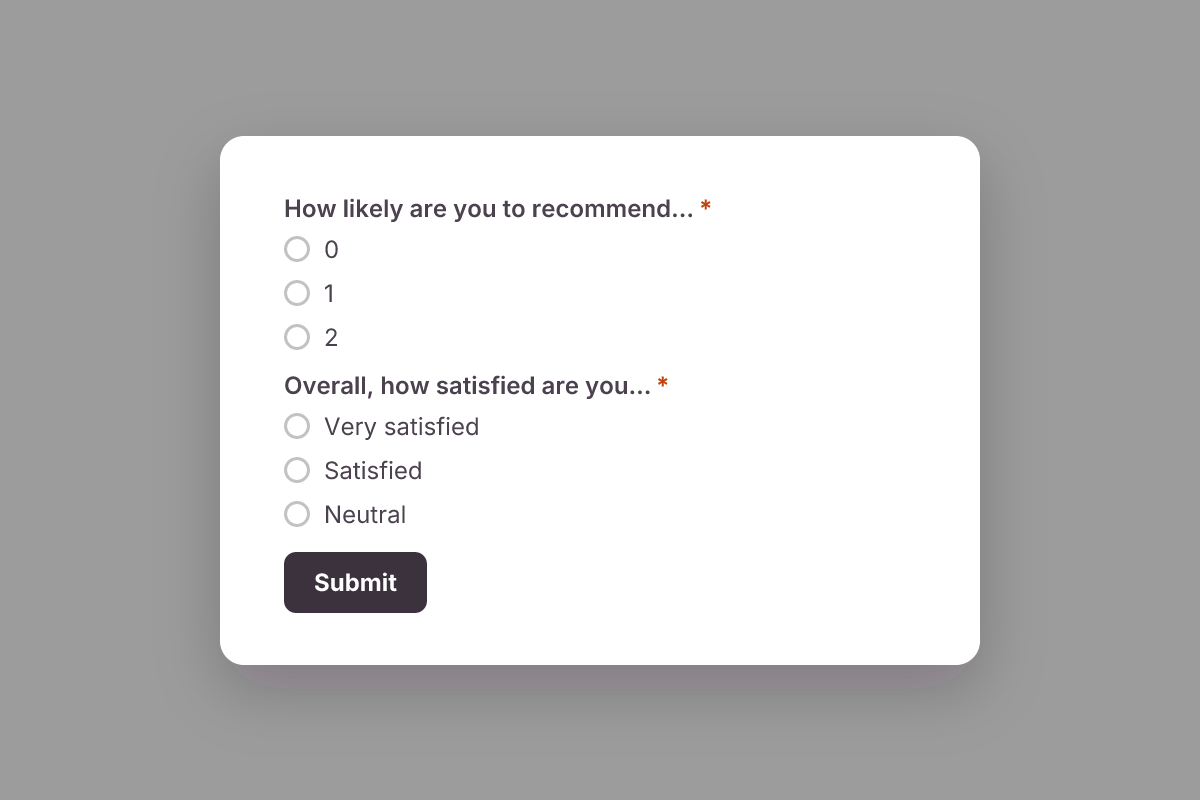 Customer satisfaction survey |
Want to add a public template? See the template authoring guide.
Sign up free at forms.dculus.com. No install needed.
Prerequisites: Node.js ≥ 22.12, pnpm ≥ 8, Docker (for PostgreSQL).
# 1. Clone and install
git clone https://github.com/dculussoftwares/dculus-forms.git
cd dculus-forms
pnpm install

# 2. Configure the backend
cp apps/backend/.env.example apps/backend/.env

# 3. Start PostgreSQL and set up the database
#    (pnpm docker:up runs `docker-compose`; with only the Compose plugin, use `docker compose up -d`)
pnpm docker:up
pnpm db:generate
pnpm db:push
pnpm db:seed        # optional sample data

# 4. Build shared packages, then start everything
pnpm build
pnpm dev| App | URL |
|---|---|
Form builder (form-app) |
http://localhost:3000 |
Form viewer (form-viewer) |
http://localhost:5173 |
Admin dashboard (admin-app) |
http://localhost:3002 |
| Backend API | http://localhost:4000 |
| GraphQL endpoint | http://localhost:4000/graphql |
| pgAdmin | http://localhost:5050 |
The .env.example defaults let the apps start, but you must change some values in apps/backend/.env:
| Feature | What to configure |
|---|---|
| Auth secret (required) | Set BETTER_AUTH_SECRET to a unique value (openssl rand -hex 32). The example value is public, so anyone could forge session cookies against a server that keeps it. |
| Sign-up and password emails | SMTP settings (SMTP_*). Email verification is required outside the test environment. |
| App URLs | Set FORM_APP_URL and FRONTEND_URL to http://localhost:3000 and FORM_VIEWER_URL to http://localhost:5173. The defaults are yourdomain.com placeholders, so invitation and magic-link emails would point to the wrong place. |
| File upload fields | S3-compatible storage with region auto (Cloudflare R2, MinIO and similar; AWS S3 is not supported because the storage client does not use S3_REGION): set the endpoint, keys, and a public and a private bucket (PUBLIC_S3_*, PRIVATE_S3_BUCKET_NAME), and set PUBLIC_S3_CDN_URL to the public bucket's accessible URL. The placeholder values will not work. |
| AI form builder | Model credentials (AI_PRIMARY_*, AI_FAST_*). AI chat is also checked against a credit allowance tied to the billing setup, so AI needs a configured plan allowance as well. See The AI form editor and Plans, usage and billing. |
| Billing and plans | Chargebee (CHARGEBEE_*). Optional for basic local development. |
More scripts
pnpm backend:dev          # backend only
pnpm form-app:dev         # form builder only
pnpm form-viewer:dev      # form viewer only

pnpm lint                 # lint all packages
pnpm type-check           # type-check all packages
pnpm test:unit            # backend unit tests (Vitest)
pnpm test:integration     # API integration tests (Cucumber)
pnpm test:e2e             # end-to-end tests (Playwright + Cucumber)

pnpm db:studio            # Prisma Studio
pnpm db:migrate:dev       # create a migration
pnpm docker:down # stop PostgreSQL| Layer | Technology |
|---|---|
| Frontend | React, TypeScript, Vite, Tailwind CSS, shadcn/ui, Apollo Client |
| Backend | Node.js, Express, Apollo Server (GraphQL), Prisma |
| Database | PostgreSQL |
| Real-time collaboration | Y.js, Hocuspocus |
| Auth | Better Auth |
| PDFs | pdfme |
| Rich text | Lexical |
| Testing | Vitest, Cucumber, Playwright |
| Infra | Docker, Terraform, Azure Container Apps, Cloudflare Pages and R2 |
dculus-forms/
├── apps/
│   ├── backend/        # Express + Apollo GraphQL API, Prisma, Hocuspocus
│   ├── form-app/       # Form builder (React)
│   ├── form-viewer/    # Public form renderer and submission (React)
│   └── admin-app/      # Admin dashboard (React)
├── packages/
│   ├── form-renderer/  # @dculus/form-renderer, published to npm
│   ├── plugins/        # Integrations: email, webhooks, sheets, quiz grading
│   ├── types/          # Shared TypeScript types and field models
│   ├── ui/             # Shared shadcn/ui components and rich text editor
│   └── utils/          # Shared utilities and constants
├── infrastructure/     # Terraform for cloud deployments
├── docs/               # Architecture guides, specs and deployment docs
└── test/               # Integration and E2E test suites
New to the codebase? Read How Dculus Works: 12 guides with diagrams, each answering "what actually happens when...?":
- The life of a submission
- One event, three listeners
- Request anatomy
- Automations
- The plugin pipeline
- PDF generation
- Real-time collaboration
- The AI form editor
- Authorization
- Plans, usage and billing
- File storage
- The field type system
@dculus/form-renderer renders a Dculus form schema as an interactive, read-only preview (it powers the template gallery). It never submits responses; to collect responses, share or embed a live form from the builder. See the package guide.
npm install @dculus/form-rendererDculus Forms runs on a single small server: a Node.js backend (Docker image), static frontends and PostgreSQL.
- Self-hosting guide: dculus.com/docs/self-hosting
- Step-by-step deployment guide: docs/deployment/DEPLOYMENT_GUIDE.md
- Pre-built artifacts: every GitHub Release ships ZIPs of the form builder, form viewer and admin app, plus a backend Docker image.
The frontends are static and run on any static host (Cloudflare Pages, Netlify, Vercel, S3 + CloudFront, Azure Static Web Apps, nginx).
Maintainers cut releases from Actions → Release → Run workflow on main. See Creating a Release.
Is Dculus Forms free?
Yes. The source code is free under GPLv3 and you can self-host it at no cost. The managed cloud at forms.dculus.com has a free plan. Paid plans add higher limits (pricing).
Is Dculus Forms a good open-source alternative to Typeform, Jotform or Google Forms?
Yes, if you want AI form generation, live team co-editing and the option to self-host. It covers multi-page forms, conditional logic, quizzes, file uploads, automations, webhooks, Google Sheets and Microsoft Sheets sync, PDFs and analytics. It does not take payments.
Can I self-host Dculus Forms?
Yes. It runs on one small server with PostgreSQL. Follow the self-hosting guide or the deployment guide.
How does the AI form builder work?
You describe the form in plain language, and the AI proposes a structured form schema with pages, fields and validation. You keep editing it by chat or by hand. The backend never edits a form behind your back: every AI change goes through the same collaborative editor as a human edit. Details: The AI form editor.
Where is my data stored?
Self-hosted: wherever you deploy it. On the managed cloud, data is stored in India.
Can I move my forms from another form builder?
There are no importers yet. Describe the form to the AI builder or start from a template to rebuild it in minutes. Email hello@dculus.com if you need help.
Contributions are welcome: bug reports, feature ideas, docs and code.
- Check open issues or open a new one using the bug report or feature request template.
- Fork the repo and create a branch from
main. - Follow the local setup above and read the relevant architecture guide.
- Add tests where it makes sense, and run
pnpm lintandpnpm type-check. - Open a pull request describing the change.
Dculus Forms is licensed under the GNU General Public License v3.0.
Product analytics for Dculus Forms is powered by OpenPanel, an open-source analytics platform.
- 🐛 Bugs and feature requests: GitHub Issues
- ✉️ Email: hello@dculus.com
- 🌐 Website: dculus.com