
Create and manage Runzivo sandboxes from inside OpenCode. A sandbox is an isolated Linux microVM with your files in /workspace. OpenCode can create one, run commands in it over SSH, show what it costs, put it to sleep, wake it and delete it. Compute is charged per running minute from your Runzivo workspace credits; there is no separate plan.


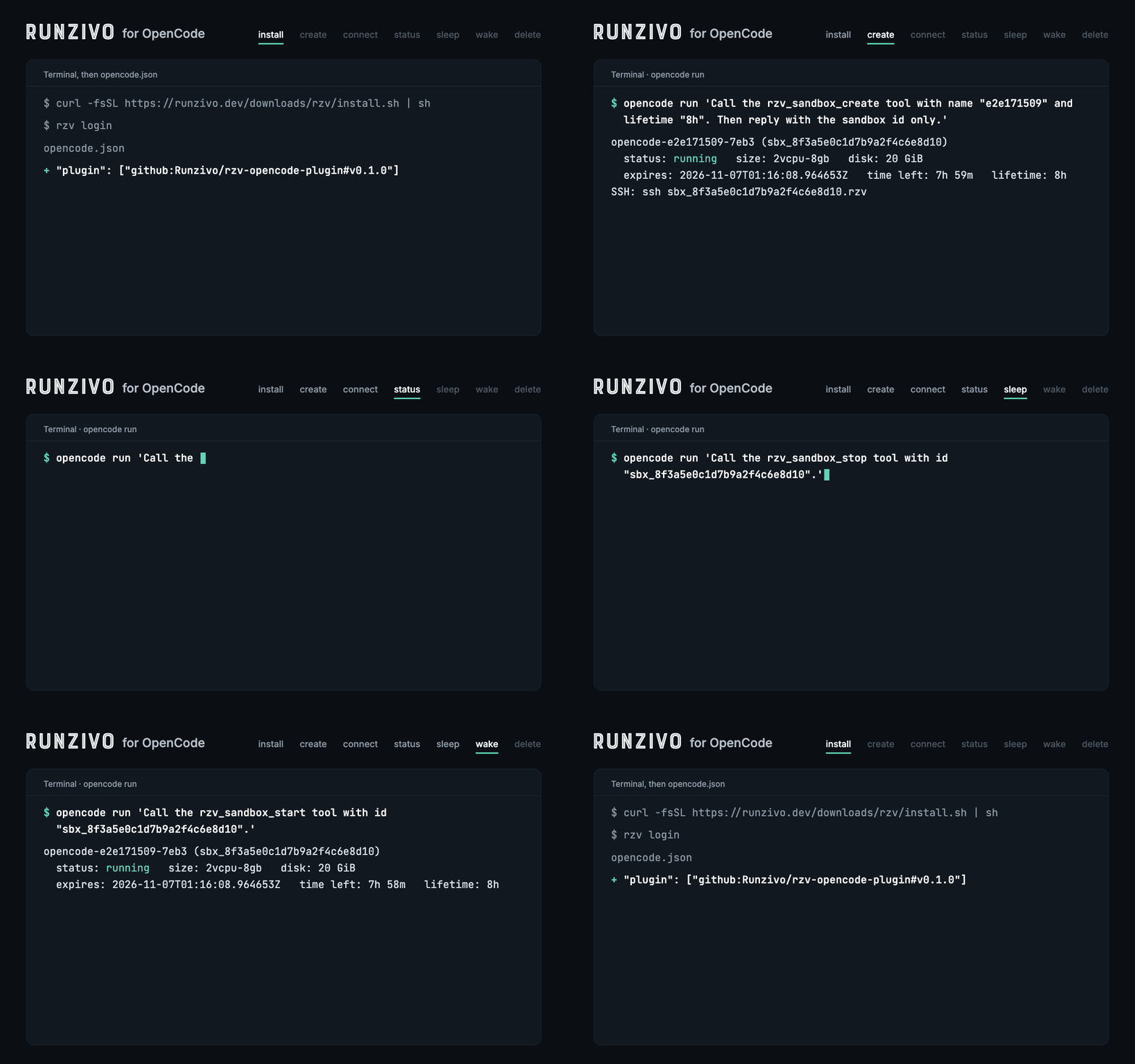
The plugin only runs the rzv CLI on your machine. It makes no API calls of its own, stores no tokens, and never reads or uploads your code.
-
OpenCode 1.19.5 or later
-
OpenSSH and a Runzivo account with a workspace that has credit
-
The
rzvCLI 0.26.0 or later, signed in:curl -fsSL https://runzivo.dev/downloads/rzv/install.sh | sh rzv login
Add the plugin to opencode.json in your project, or to ~/.config/opencode/opencode.json for every project:
{
  "$schema": "https://opencode.ai/config.json",
  "plugin": ["github:Runzivo/rzv-opencode-plugin#v0.1.0"]
}
Restart OpenCode. It installs the plugin from GitHub at that tag. The plugin finds rzv in RZV_BIN, then PATH, then ~/.local/bin/rzv.
Type a command, or just ask OpenCode ("start a 4 vCPU Runzivo sandbox and run the tests there").
| Command | What it does |
|---|---|
/rzv-create [size] [lifetime] |
Create a sandbox, wait until it runs, write the <id>.rzv SSH alias |
/rzv-status [id] |
Status, expiry, time left, run time and credits used |
/rzv-connect <id> |
Write the SSH alias and show ssh <id>.rzv |
/rzv-exec <id> <command> |
Run a command in the sandbox over SSH |
/rzv-sleep <id> / /rzv-wake <id> |
Stop or start the sandbox |
/rzv-delete <id> |
Delete it and all its files, after you confirm |
Sandboxes the plugin creates are named opencode-<project>-<random>. Details: Tools and commands.
| Page | What it covers |
|---|---|
| Tools and commands | Every tool, its options, lifetime and billing |
| Security | What runs where, keys, permissions |
| Troubleshooting | Errors and how to fix them |
| Testing | Unit tests and the live end-to-end test |
| Releasing | Versions, tags, npm and the OpenCode ecosystem list |
MIT licensed (LICENSE). The rzv CLI and the Runzivo service keep their own licenses.