This project implements a Deep Q-Network (DQN) agent that learns to balance a pole on a cart using reinforcement learning techniques. The agent is trained in the classic CartPole environment from OpenAI's Gym library.
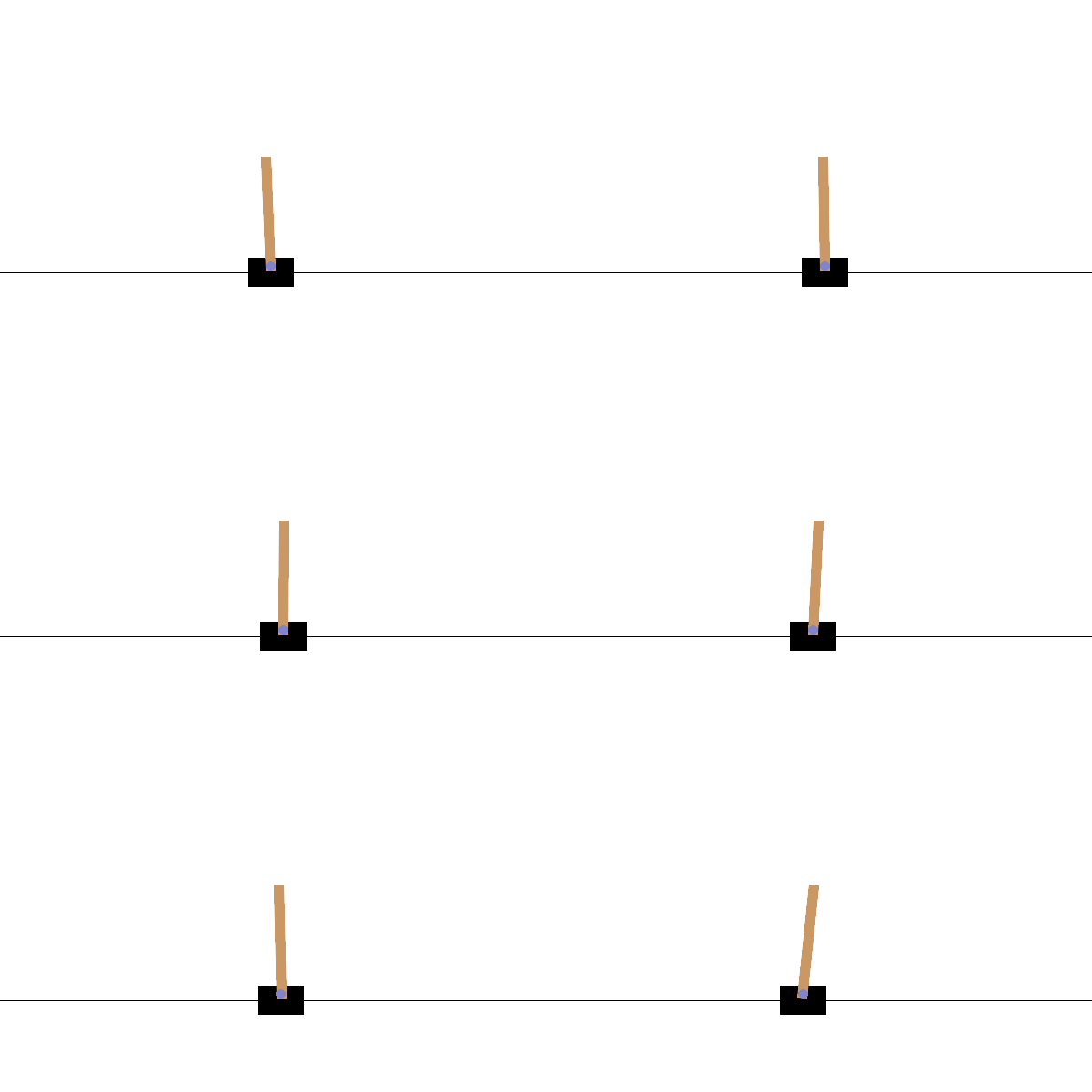
This project demonstrates:
- Fundamentals of reinforcement learning
- Building and training neural networks with Keras
- Creating a DQN agent using Keras-RL2
- Training an agent to solve the CartPole balancing problem
- Saving and loading trained models
- Python 3.8
- Basic understanding of neural networks and reinforcement learning concepts
The following libraries are required with specific versions:
gym==0.25.2
keras==2.10.0
keras-rl2==1.0.5
tensorflow==2.3.0
numpy==1.18.5
protobuf==3.20.0
- Clone this repository:
git clone https://github.com/yourusername/AI-Reinforcement-Learning.git
cd AI-Reinforcement-Learning- Install Visual Studio Code from https://code.visualstudio.com/
- Install the Jupyter extension for VSCode
- Open the project folder in VSCode
- Open the
Reinforcement Learning.ipynbnotebook file - Run the cells sequentially to see the agent learn and perform
Reinforcement Learning.ipynb: Main Jupyter notebook containing all code and explanationsdqn_weights.h5f: Saved model weights for the trained agentcheckpoint: TensorFlow checkpoint file
- Fundamental concepts of AI and reinforcement learning
- How to set up and interact with environments in OpenAI Gym
- Building neural network architectures with Keras
- Creating and training DQN agents
- Testing and visualizing agent performance
- Saving and loading model weights
- Environment Setup: Initializing the CartPole environment
- Model Building: Creating a neural network with Keras
- Agent Creation: Implementing a DQN agent with Keras-RL2
- Training: Teaching the agent to balance the pole
- Testing: Visualizing the agent's performance
- Model Persistence: Saving and loading trained weights
This project is a remaster of Nicholas Renotte's workshop on RL which this repo serves to maintain for future learners. The original workshop can be found at YouTube - Nicholas Renotte.