
DictDeck is a self-hosted AI dictionary, translator, and vocabulary flashcard app. It supports multiple dictionary sources, LLM-powered explanations, saved words, review cards, Telegram bot workflows, and Cloudflare Workers deployment.
- cloudflare api token need
d1andworkers aipermission. - Either
d1 database idord1 database namemust be provided.
cargo build --release
./target/release/hj jc こんにちはsee telegram bot
2026-03-14.19.34.13.mov
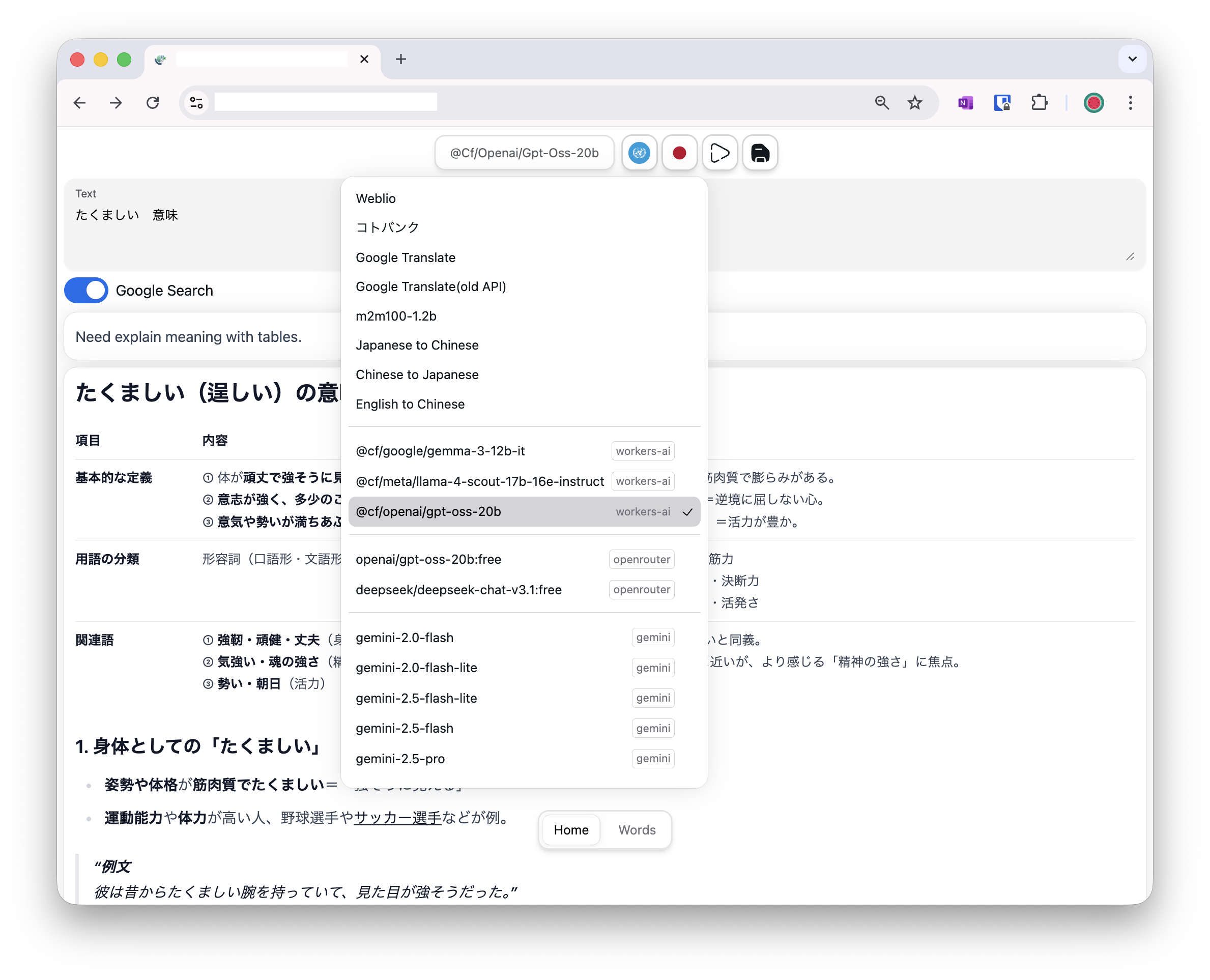
The repository also includes a browser extension for translating selected text from any page.
Local build:
cd web
npm install
npm run build:extension
Build outputs:
web/extension-dist/chrome- unpacked Chrome extensionweb/extension-dist/firefox- unpacked Firefox extensionweb/extension-dist/safari- generated Safari projectweb/extension-dist/safari-app- built Safari macOS app
Notes:
- Safari packaging is built on macOS and requires Xcode / Command Line Tools.
- The Safari app is generated so the extension can be enabled through Safari on macOS.
The GitHub Actions workflow at .github/workflows/rust.yaml builds and uploads extension artifacts on macOS.
Uploaded artifacts:
dictdeck-extension-chrome.zipdictdeck-extension-firefox.zipdictdeck-extension-safari-project.zipdictdeck-extension-safari-app.zip
These files are uploaded as workflow artifacts in CI, and the release workflow also includes them in release assets.
jc <word>- Japanese to Chinesecj <word>- Chinese to Japaneseen <word>- English to Japaneseweblio <word>- weblioktbk <word>- コトバンクgoogle <target> <words>- Google Translate, eg: google en こんにちは
Example:
./target/release/hj jc こんにちは
./target/release/hj cj 你好
./target/release/hj kr 안녕하세요
./target/release/hj en hello
./target/release/hj en 你好
./target/release/hj weblio こんにちは
./target/release/hj ktbk 子供
./target/release/hj google ja Hello world!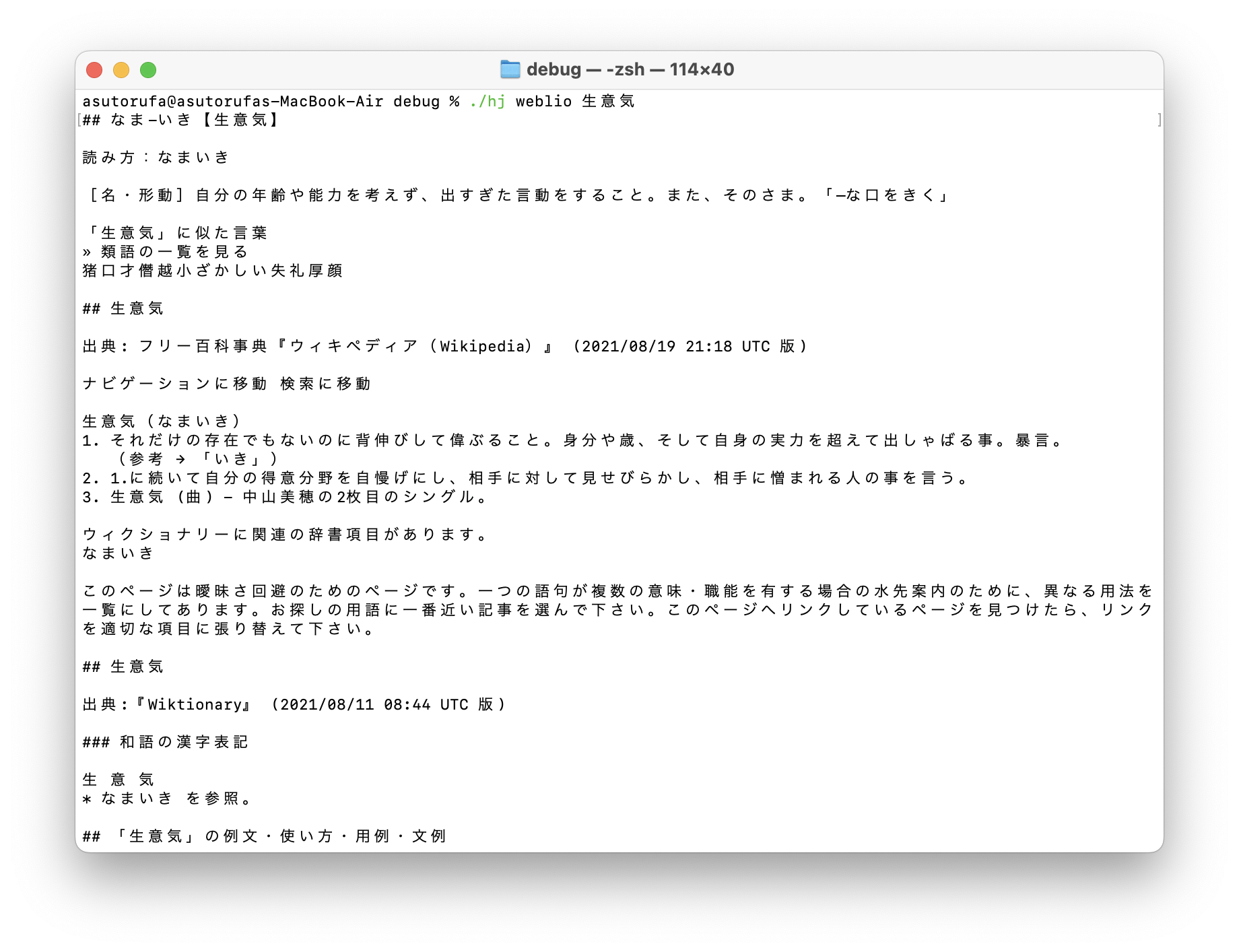
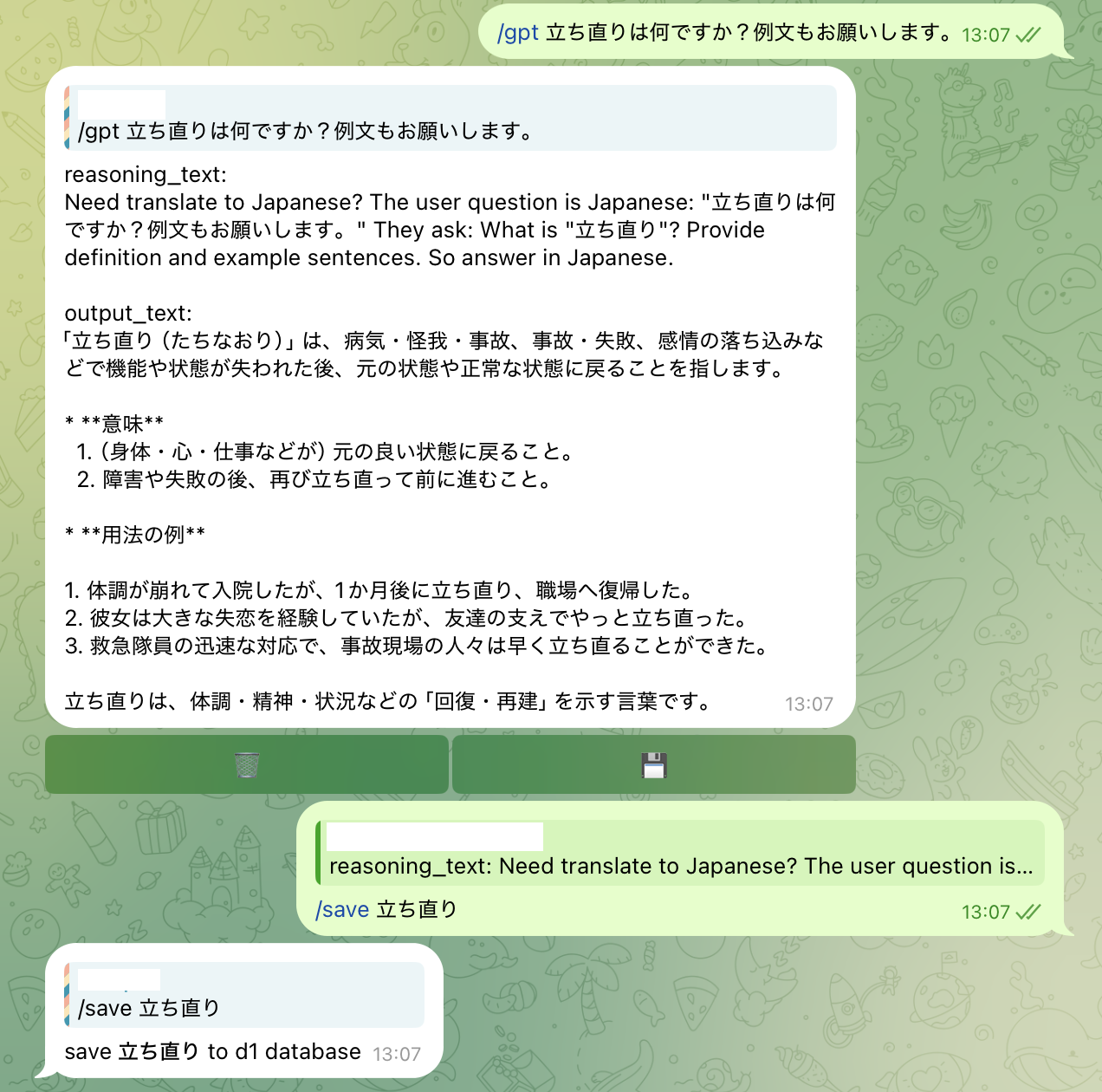
Telegram bot, HTTP API, and scheduled jobs run on Cloudflare Workers.
set wrangler config
vim wrangler.toml
# set the production JWT signing secret outside source control
npx wrangler secret put AUTH_SECRET
# build and deploy
cargo install worker-build --version 0.8.6
npx wrangler deploy
wrangler.toml config example
WORKER_NAME="dictdeck" # cloudflare workers name
SCHEDULE="*/20 0-15 * * *" # cron scheduleThe Worker exposes a Streamable HTTP MCP endpoint at /mcp. In the web settings page, generate a token with dictionary:read and/or dictionary:write permission. The plaintext token is shown only once; send it as a Bearer token:
curl https://<workers-url>/mcp \
  -H 'Authorization: Bearer mcp_...' \
  -H 'Accept: application/json, text/event-stream' \
  -H 'Content-Type: application/json' \
  -d '{"jsonrpc":"2.0","id":1,"method":"tools/list"}'
Read access provides dictionary.search and dictionary.get. Write access adds save, rename, delete, priority, and preview/apply batch-change tools. Set MCP_ALLOWED_ORIGINS to a comma-separated origin allowlist when browser-based MCP clients are used.
register webhook
curl https://<workers-url>/tgbot/registerIf use workers CI/CD, you can add following script in Build Command and Deploy Command
Build Command
git clone -b react https://github.com/Asutorufa/hujiang_dictionary.git react
cd react && npm install && npm run build && cd ..
cp -r react/out web/out
curl --proto '=https' --tlsv1.2 -sSf https://sh.rustup.rs > rustup.sh
sh rustup.sh -y
export PATH="$HOME/.cargo/bin:$PATH"
cargo install worker-build --version 0.8.6
Deploy Command
export PATH="$HOME/.cargo/bin:$PATH"
npx wrangler deploy